This is the complete first project in JACR CNC Studio, the free browser-based 3D relief creator. In about ten minutes you'll go from an ordinary image to a carvable relief with an STL file or CNC-ready G-code — no CAD experience, nothing installed.
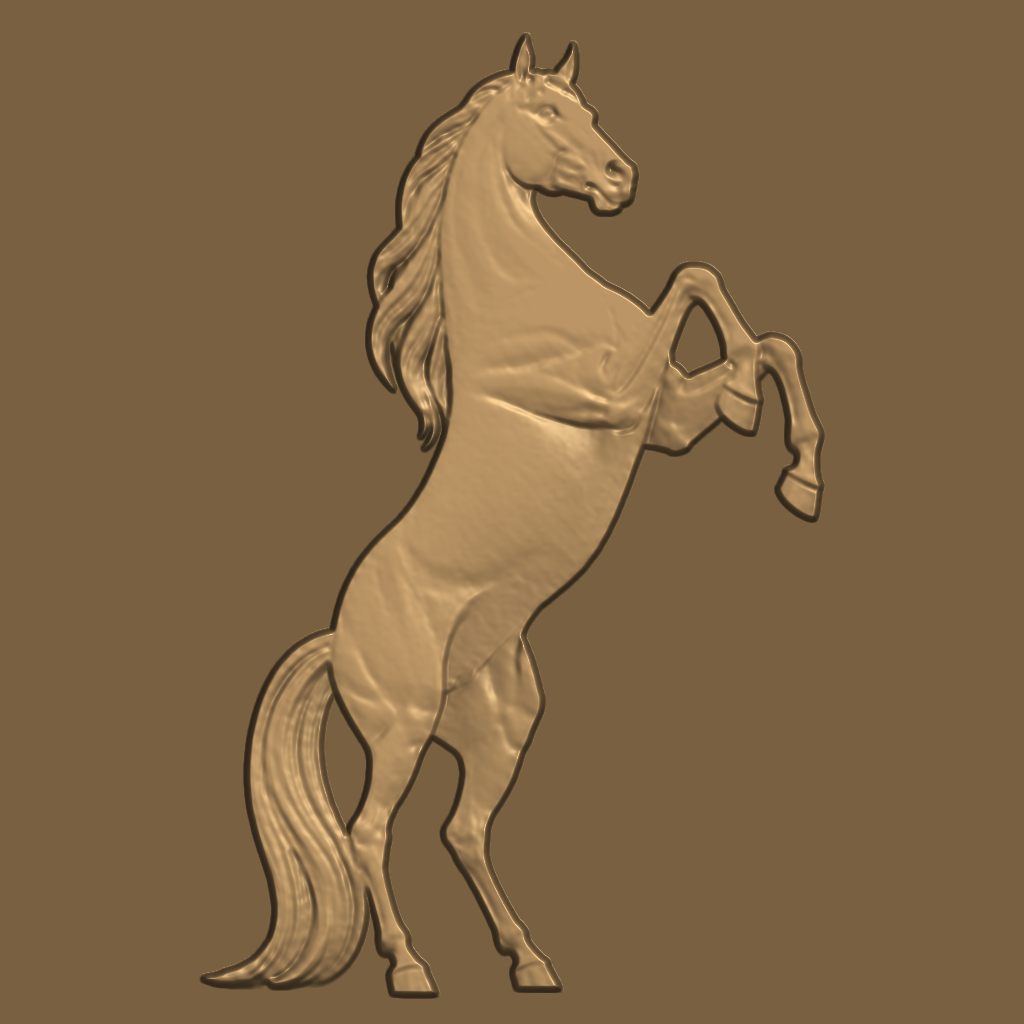
Launch the studio and choose 3D Relief Generator on the start screen (or the Relief Maker button in the top bar). Upload your image — or click one of the ✨ Try It examples to load a proven input with one click.
Press Generate Relief. The engine maps your image to real height data and shows a live clay preview plus a full 3D view on the workspace bed. Now shape it with the live sliders — every change re-renders instantly:
The 📦 Export Center holds every format. Every export is a membership feature — designing is free, the digital goods are not. G-code exports as a single-bit file: your carve pass plus the fine finishing re-trace with the same bit, no tool-change pauses — files with embedded bit swaps are what make other senders reject a job. ⚠ Because nothing pre-clears the depth (roughing needs a bit swap), reduce your feed to ~50-60% of your usual finishing feed and prove it on scrap. Membership also unlocks the high-detail STL, bit-modeled STL, 16-bit depth TIFF and PNG exports, and the in-app roughing stage below.
Click Carving Wizard and the app walks you through stock size, bit choice (it recommends the best bit for the job — typically a 1/16" tapered ball-nose for reliefs), feeds and speeds from the built-in bible, toolpath generation and the final G-code. The in-app runner streams the pro job with the roughing stage — bulk-clear with a bigger bit, then a SAFE guided bit swap: the machine pauses, parks the spindle out of the cut, re-homes automatically and re-verifies position before carving resumes. That sequence cannot ride safely in an exported file. Prefer another sender? Export the single-bit .nc (carve + finishing pass) and run it at a reduced feed.
Next: The Porcelain Relief Method · Toolpaths & G-Code · Connect Your CNC